

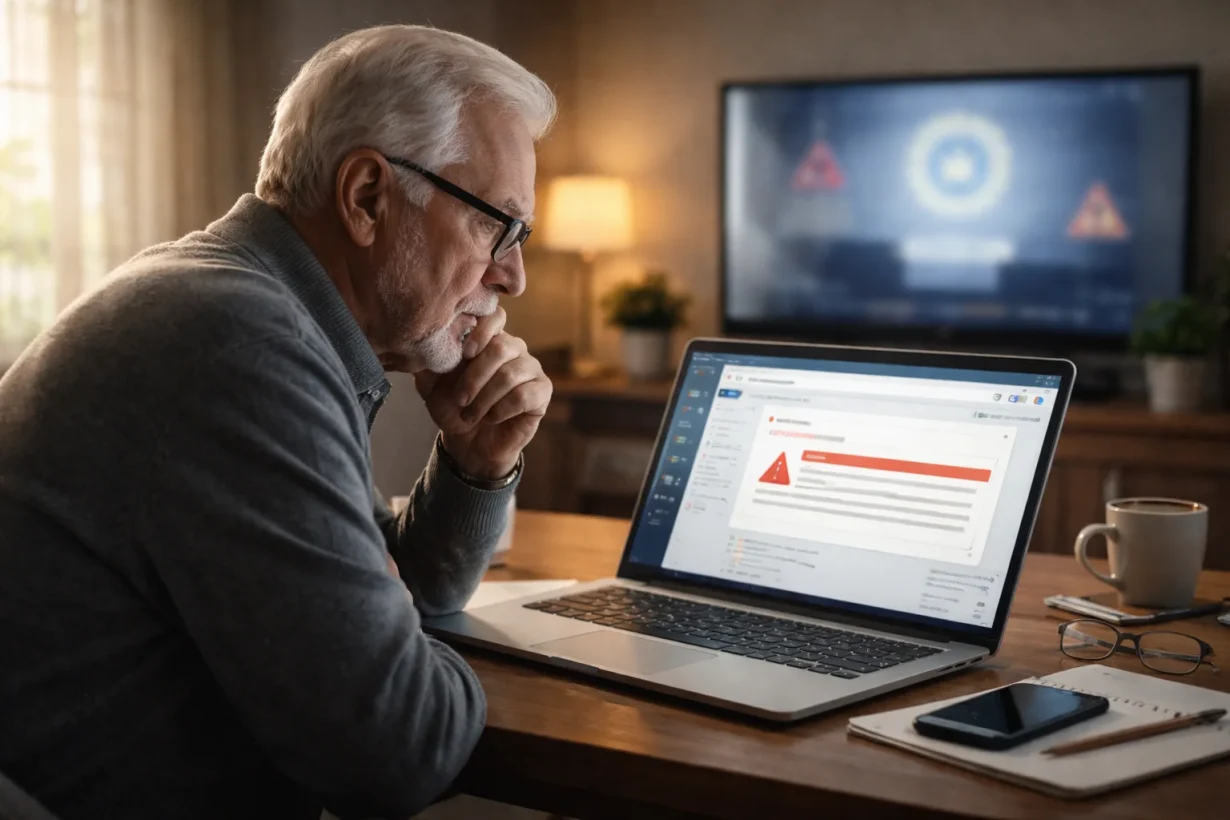

Social Security is warning retirees that fraudulent emails pretending to come from the Social Security Administration are rising sharply in 2026.
These messages often claim your Social Security statement is ready, your benefits are at risk, or your account needs urgent verification.
In reality, they are designed to steal your personal information, install malware, or access your finances.
Key things you need to know:
- The SSA does not ask for personal information through unsolicited emails
- Real Social Security emails come from addresses ending in “.gov”
- You should never click a link or attachment in a suspicious message
- The safest way to check your account is by typing ssa.gov/myaccount directly into your browser
- If you already clicked a link, act quickly to protect your identity and finances
Why Is the Social Security Administration Warning Retirees About Email Scams in 2026?
The Social Security Administration’s Office of the Inspector General has issued a serious alert after seeing a sharp increase in phishing emails targeting retirees.
These scams are spreading quickly because many retirees rely heavily on Social Security benefits and are more likely to open messages that appear to involve their monthly payments, annual statements, or cost-of-living adjustments.
Scammers are timing their messages around benefit payment dates and April 2026 payment checks. They know that retirees are paying close attention to updates about their benefits, which makes fake emails seem more believable.
Michelle L. Anderson, Assistant Inspector General for Audit, warned:
“We are seeing a sharp increase in fraudulent emails designed to look like official Social Security Administration communications. These messages are not from Social Security.”
The goal of these messages is simple: get you to click a link, open an attachment, or provide information such as your Social Security number, bank details, or online account password.
What Types of Fake Social Security Emails Are Retirees Receiving?
Retirees are receiving several different types of fake SSA emails. Most of them are designed to create fear, urgency, or curiosity so that you respond before thinking carefully.
Common scam messages include:
- Emails claiming your Social Security statement is ready to download
- Notices about a supposed error in your recent report
- Fake cost-of-living adjustment updates asking you to “confirm” your information
- Messages warning that your benefits will be suspended
- Emails requesting tax documents or identity verification
- Fake notices saying you must install a “Security Update Tool”
One of the most convincing tricks involves emails that look exactly like official government communications.
They may use the Social Security logo, government-style colours, and formal language.
Some even include the name and photograph of a real SSA employee to appear legitimate.
How Are Scammers Making Fake SSA Emails Look Real?
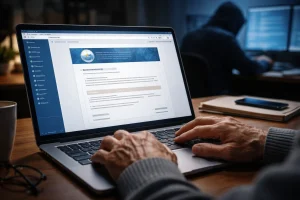
Scammers are becoming increasingly sophisticated, especially when impersonating trusted institutions like the Social Security Administration (SSA).
Their goal is simple: to make fake emails look so convincing that recipients act without questioning them.
Official-Looking Design and Branding
One of the most common tactics scammers use is copying the official appearance of SSA communications.
These emails are carefully designed to mimic legitimate messages, making them appear trustworthy at first glance.
- Use of blue-and-white colour schemes similar to official SSA emails
- Inclusion of the SSA logo and formatting styles
- Professional language that closely resembles official notices
Many of these emails claim there is an issue with your benefits or notify you about an available statement. They often include clickable buttons such as:
- “Download Statement”
- “Verify Information”
These elements are designed to trick users into clicking on malicious links or downloading harmful attachments.
Pressure and Urgency Tactics
Another powerful strategy scammers rely on is creating a sense of urgency. These emails are intentionally written to make you panic and act quickly without verifying the message.
Common warning phrases include:
- “You must respond within 24 hours”
- “Your benefits will be suspended immediately”
- “Failure to act will result in account closure”
According to the Social Security Administration:
“These scam emails are designed to appear legitimate and often use official-looking language, logos, colors, and formatting to mislead recipients into clicking links or downloading attachments.”
This urgency is not accidental; it is a psychological tactic. By triggering fear and stress, scammers increase the chances that recipients will react emotionally instead of taking the time to verify whether the email is genuine.
How Can You Tell if a Social Security Email Is Fake?
The easiest way to identify a fake Social Security email is to look closely at the sender’s address. Real Social Security emails come from an address ending in “.gov.” Anything else should raise immediate concern.
You should also pay attention to the tone of the message. Fake emails often sound threatening or unusually urgent.
They may warn that your benefits will be suspended, that legal action is pending, or that you must make a payment right away.
The table below shows the biggest differences between a real SSA email and a scam email:
| Feature | Real SSA Email | Fake SSA Email |
| Sender Address | Ends in .gov | Uses Gmail, Yahoo, or misspelt domains |
| Tone | Informational and calm | Urgent, threatening, or alarming |
| Links | Directs you to type ssa.gov manually | Includes clickable links or attachments |
| Requests | Does not ask for SSN or bank details | Requests personal or financial information |
| Payment Demands | Never asks for payment by email | Demands immediate payment or gift cards |
Another warning sign is any request for unusual forms of payment. The SSA will never ask you to send money through gift cards, wire transfers, cryptocurrency, prepaid debit cards, or cash.
How Does the Social Security Administration Really Contact You?
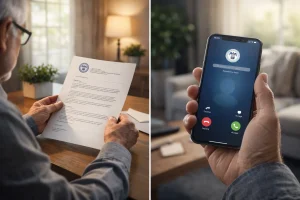
Understanding how the SSA actually communicates can help you quickly spot scams and avoid falling victim to fraudulent messages.
Legitimate Ways the SSA Communicates
The Social Security Administration typically contacts people through mailed letters, secure messages in a My Social Security account, or phone calls that follow prior notice. If you have an online account, the safest way to access it is by opening a new browser window and typing ssa.gov/myaccount directly.
The SSA may also schedule an in-person or video appointment, but you will receive advance notice before that happens.
What the SSA Will Never Ask You to Do?
The SSA has made it clear that it will never:
- Demand immediate payment
- Threaten arrest or legal action
- Ask for gift cards or cryptocurrency
- Send unsolicited attachments or download links
- Request your full Social Security number or banking information by email
An SSA spokesperson recently emphasized:
“You will always receive prior notification from us by mail or telephone before a personal visit is made.”
If you receive an email asking you to verify your identity or move your money to a “safe account,” it is almost certainly a scam.
What Happens if You Click a Link in a Fake Social Security Email?
Clicking a link in a fake email can expose you to much more than an annoying message.
In many cases, the link leads to a fake website that looks almost identical to the official Social Security site.
Once you enter your login details, scammers can access your account immediately.
Other links may download malware onto your computer, phone, or tablet. This software can record your passwords, monitor your online activity, or lock your files until you pay a ransom.
Real-Life Example: A Retiree’s Experience
I spoke with a 72-year-old retiree from Texas who told me she received an email in March 2026 saying her Social Security statement was ready before her April payment.
It looked genuine, so she clicked the link and entered her details. Soon after, she noticed unusual bank activity.
She quickly contacted her bank, secured her accounts, and reported it, preventing any financial loss.
What Should You Do Immediately if You Receive a Suspicious SSA Email?
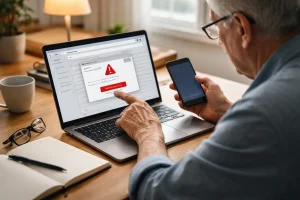
If you receive an email that appears to be from Social Security but seems suspicious, do not click anything. Even opening an attachment can be enough to infect your device.
Instead, follow these steps:
- Delete the email immediately
- Do not reply or call any number listed in the message
- Access your Social Security account only through ssa.gov/myaccount
- Save a screenshot if you want to report the message
- Warn family members or caregivers about the scam
The safest approach is to ignore the message entirely and verify any concern directly through the official SSA website or by calling the agency yourself.
What Steps Should You Take if You Already Clicked the Scam Link?
If you’ve already clicked a suspicious link, don’t panic, but act quickly. The faster you respond, the better your chances of preventing serious damage.
Within the First 10 Minutes
If you already clicked a link, your first priority is limiting the damage. Disconnect your device from the internet if you think malware may have been installed. Then close the browser and stop all communication with the sender.
Immediately change the passwords for your Social Security account, email account, and any financial websites you use. If you used the same password elsewhere, change those accounts too.
Within the First 24 Hours
Over the next day, take additional protective steps:
- Contact your bank and credit card companies
- Place a fraud alert or credit freeze with the major credit bureaus
- Run antivirus and malware scans on your device
- Monitor your accounts for suspicious activity
- Save copies of emails and screenshots for investigators
The table below outlines the recommended timeline after clicking a scam link:
| Time Frame | What You Should Do |
| First 10 Minutes | Disconnect internet, stop communication, change passwords |
| First Hour | Contact bank and secure financial accounts |
| First 24 Hours | Run security scans and place fraud alerts |
| First Week | Monitor accounts, credit reports, and SSA account activity |
Acting quickly can significantly reduce the risk of financial loss or identity theft, so always treat suspicious links as urgent security threats.
Where Should You Report a Social Security Email Scam?
Reporting the scam helps authorities investigate the fraud and may prevent other retirees from becoming victims. You should report the incident to several agencies, especially if you clicked the link or shared information.
The SSA recommends reporting scams to:
- SSA Office of Inspector General at oig.ssa.gov/report
- FBI Internet Crime Complaint Center at ic3.gov
- Federal Trade Commission at ftc.gov
- Local police if you lost money
You should also notify your bank and credit card company if any personal or financial information was exposed.
How Can Retirees Protect Their Personal Information from Future SSA Scams?
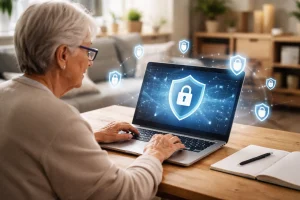
Protecting yourself from future scams requires more than simply avoiding suspicious emails. You should also build safer online habits.
Never click on a link in an unexpected email, even if it appears to come from a government agency. Always type the official website address into your browser manually.
Use strong passwords that are different for each account, and enable two-factor authentication whenever possible. This extra layer of security can prevent scammers from accessing your accounts, even if they obtain your password.
It is also wise to review your bank statements and credit reports regularly. Many victims discover fraud weeks after it begins, giving scammers more time to steal money or open new accounts.
Family members can play an important role as well. If you are unsure whether a message is real, ask someone you trust before taking action.
How Can Family Members and Caregivers Help Retirees Avoid Social Security Fraud?
Many retirees are targeted because scammers assume they may be less familiar with digital security. Family members and caregivers can reduce that risk by helping retirees identify suspicious emails and create a plan for handling them.
One of the best strategies is to agree that no government-related message will be answered until another trusted person has reviewed it. This simple habit can prevent emotional decisions made under pressure.
Caregivers should also encourage retirees to keep devices updated, use secure passwords, and monitor their Social Security and banking accounts regularly.
A short conversation about common scam tactics may be enough to stop a serious problem before it begins.
Conclusion
As Social Security email scams surge in 2026, staying cautious is the best way to protect your benefits and personal information.
If you receive an unexpected message claiming to be from the SSA, avoid clicking links or downloading attachments. Instead, go directly to ssa.gov/myaccount or contact the agency yourself.
By recognizing warning signs, reporting suspicious emails, and acting quickly after a mistake, you can reduce the risk of identity theft and financial loss.
FAQs About Social Security Warning Retirees
Can Social Security send emails about annual cost-of-living adjustments?
Yes, but the SSA will not ask you to click a suspicious link or provide personal information. You should always verify any message by visiting the official SSA website directly.
Why are retirees more likely to be targeted by Social Security scams?
Retirees often depend on Social Security benefits, making them more likely to respond to messages involving payments, statements, or account changes.
Can a fake Social Security email infect a smartphone as well as a computer?
Yes. Scam links and attachments can install malware on smartphones, tablets, and computers.
What should you do if a scammer already has your Social Security number?
Contact your bank, place a fraud alert or credit freeze, monitor your credit reports, and report the incident to the SSA OIG and FTC immediately.
Are Social Security phishing scams more common during benefit payment weeks?
Yes. Scammers often increase their activity before payment dates and during cost-of-living adjustment announcements.
Can you recover money lost to a Social Security email scam?
In some cases, yes. Contact your bank or credit card company immediately. Quick reporting improves your chances of recovering lost funds.
Is it safe to open an email if you do not click the link or attachment?
Usually, simply opening the email is less risky than clicking a link or attachment. However, you should still delete suspicious emails immediately.